


Using the MobiGo® 2 Stylus
Step 1
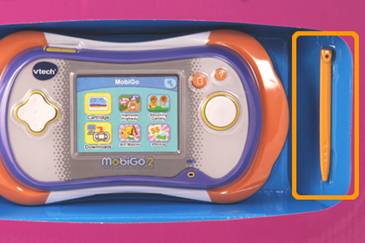
The MobiGo® 2 stylus can be found inside the packaging next to the main unit. Please be careful to remove the stylus from the package before throwing it away.
Step 2
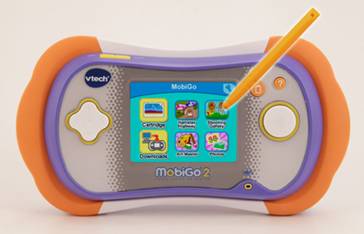
Using the MobiGo® 2 touch screen and stylus:
| • | Use only enough pressure to operate the game. Too much pressure may damage the touch screen. |
| • | Do not use the stylus if it is broken. |
| • | Do not use any other stylus on the touch screen other than the MobiGo® 2 stylus. |
Step 3
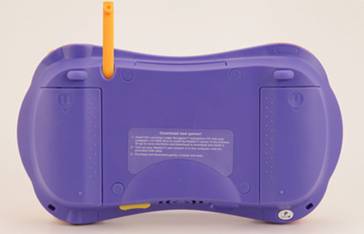
Always put the stylus back into the stylus holder for storage.
NOTE: If you lose your stylus, VTech offers replacement stylus packs for sale at www.vtechkids.com. Please select a replacement stylus pack that was designed specifically for your toy.